
Nothing Phone 3a Lite FRP Flash File Download | Remove Google Lock
Download the official Nothing Phone 3a Lite FRP flash file to bypass Google account verification. Safe, tested files with easy flashing instructions for FRP lock removal.

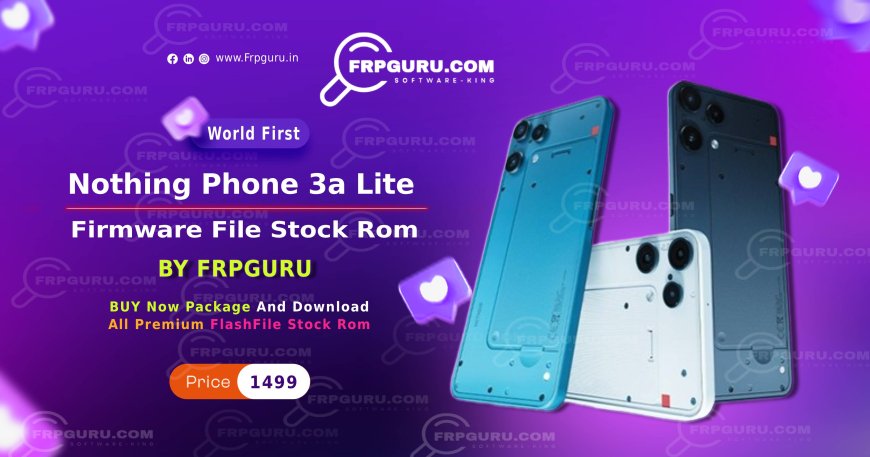
Nothing Phone 3a Lite FRP Flash File Download (Nothing OS 4.0)
If you’re locked out of your Nothing Phone 3a Lite due to FRP (Factory Reset Protection) or a Google account lock, you’ve come to the right place. Here, you can download the official Nothing Phone 3a Lite FRP flash file compatible with Nothing OS 4.0 to safely bypass the Google lock.
Why Use the Official Flash File?
Using the official firmware ensures:
-
Safe and tested files
-
Full compatibility with Nothing OS 4.0
-
Easy FRP bypass without bricking your device
Supported Devices
-
Nothing Phone 3a Lite running Nothing OS 4.0
-
Devices stuck on Google account verification
-
Phones needing firmware restoration
Download Links
-
Nothing Phone 3a Lite FRP Flash File – [Download Link]
-
Nothing OS 4.0 Firmware – [Download Link]
⚠️ Note: Make sure to backup your device before flashing. Improper flashing can cause data loss.
How to Remove FRP on Nothing Phone 3a Lite
-
Download the Nothing Phone 3a Lite FRP flash file compatible with Nothing OS 4.0.
-
Install the flashing tool (like SP Flash Tool or QFIL).
-
Connect your phone in download/fastboot mode.
-
Load the firmware and start flashing.
-
Once done, reboot your phone. The Google lock/FRP should now be removed.
Tips for Safe Flashing
-
Always use the official files to avoid bricking.
-
Charge your phone above 50% before flashing.
-
Follow instructions carefully, step by step.
What's Your Reaction?
 Like
0
Like
0
 Dislike
0
Dislike
0
 Love
0
Love
0
 Funny
0
Funny
0
 Angry
0
Angry
0
 Sad
0
Sad
0
 Wow
0
Wow
0