
Motorola G64 5G Android 15 Latest Security FRP Lock Remove File

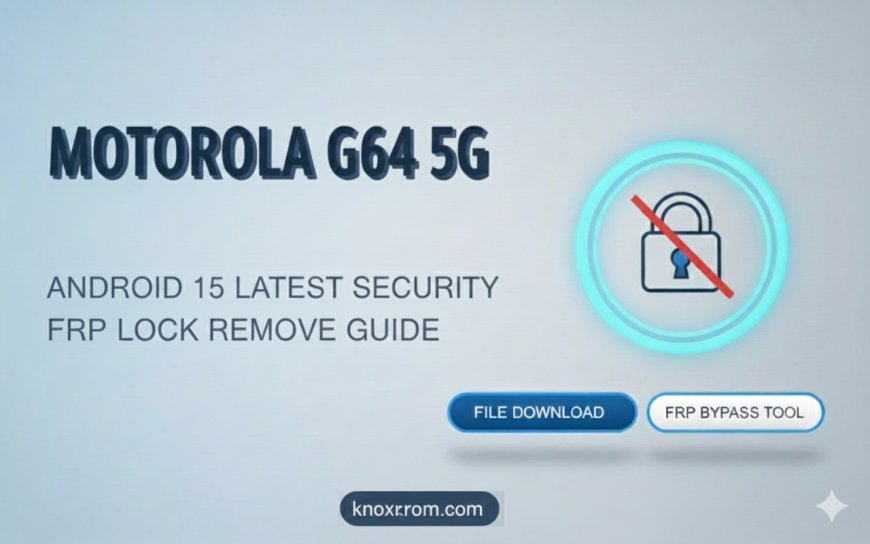
Motorola G64 5G Android 15 Latest Security FRP Lock Remove File
The Motorola G64 5G, now running Android 15 with the latest security updates, comes Some some user format and reset device then stuck on google account frp lock in this case uou need to unlock your device need gmail id google account incase dont remember your gmail account google account dont worry you can download and use my file to remove gmail google account frp lock remove protection
Many users search for FRP “remove files” or shortcuts, but it’s important to understand that official methods are the only safe and legal way to regain access to your device. Using third-party files or tools can lead to permanent device issues or violate security policies. so use only tested file and tools.
🔒 What Is FRP Lock?
FRP (Factory Reset Protection) is a Google security feature that activates after a factory reset. When you reset your phone, it will ask for the Google account credentials previously synced on the device. This ensures that only the rightful owner can access the phone.
⚠️ Why FRP Becomes a Problem
-
Forgotten Google account login or password
-
Buying a second-hand device that wasn’t reset properly
-
Performing a factory reset without removing Google account
-
Updating Android to the latest version without syncing accounts
✅ Legal & Safe Ways to Remove FRP
-
Sign in with your Google account:
Use the email and password previously linked to the device. -
Recover your Google account:
Go to Google Account Recovery and follow the steps to reset your password. -
Contact the previous owner (for second-hand phones):
Ask them to remove the device from their Google account via Find My Device.
⚠️ Avoid searching for FRP “remove files” or bypass tools online—they are often illegal and unsafe.
🛡️ Tips to Avoid FRP Lock in the Future
-
Always remove Google accounts before a factory reset
-
Keep recovery email and phone number updated
-
Use secure password management
-
Reset devices properly before selling or giving away
Dowload Motorola G64 5G Android 15 Latest Security FRP Lock Remove File :
-
File name: Motorola G64 5G FRP Unlock File
-
File size: Zip
-
File type: FRP File
-
Download link: Motorola G64 5G Android 15 Latest Security FRP Lock Remove File
What's Your Reaction?
 Like
0
Like
0
 Dislike
0
Dislike
0
 Love
0
Love
0
 Funny
0
Funny
0
 Angry
0
Angry
0
 Sad
0
Sad
0
 Wow
0
Wow
0